

Solo ad click logs are the per-click records a tracker generates when someone clicks the link inside a vendor's email, and the fastest way to use one is simple: compare the vendor's reported clicks against your own tracking link the moment a run finishes. If those two numbers do not line up, you have your answer before you spend another dollar.
Run these three checks before you order again:
- Vendor vs. tracker gap: Anything above 25% suggests low-quality or fabricated traffic delivery.
- Bot-filtered share: Healthy runs typically keep this under roughly 8%.
- Opt-in rate: A tight, well-matched squeeze page usually converts in a wide range, but a consistently low rate across several vendors points to list quality problems, not your page.
Key Takeaways
Solo ad click logs only protect your budget when you track them independently and compare vendor numbers against your own tracker after every run.
| Point | Details |
|---|---|
| Own your tracking link | Set up a tracker with bot filtering and sub-IDs before ordering, never after. |
| Watch the vendor-tracker gap | A gap over 25% between vendor and tracker clicks signals low-quality traffic. |
| Log opt-ins and revenue | Opt-in rate and 30-day revenue matter more than raw click totals. |
| Flag timing and IP anomalies | Identical user-agents, single-IP spikes, and clockwork timing point to automation. |
| Use the vetting framework | Soloadsguide's 21-question checklist and spreadsheet template help you test vendors before scaling spend. |
Table of Contents
- What Does a Solo Ad Click Log Actually Contain?
- How Do You Set Up Independent Tracking Before You Buy?
- What Should You Log After Every Solo Ad Run?
- How Do You Spot Fraud or Automated Clicks in Your Logs?
- Which Vendor Questions Actually Predict Good Traffic?
- Why Verification Protects Your Ad Spend
- Get the Vendor Vetting Checklist and Tracking Templates
- Tools and Guides Worth Bookmarking
- Frequently Asked Questions
- Sources
What Does a Solo Ad Click Log Actually Contain?
A click log is a row-by-row record of every visitor who hit your tracking link, and each row carries specific fields worth knowing before you read your first report.
- Click ID or token — a unique identifier tied to that single click, useful for matching it to a later opt-in.
- Timestamp — the exact time of the click, down to the second in most trackers.
- IP address — used to detect duplicate hits or data-center traffic.
- User-agent — the browser and device string; identical strings across hundreds of clicks are a red flag.
- Referrer — shows where the click originated, though many email clients strip this.
- Destination URL and sub-ID — confirms the click landed where it should and tags which vendor sent it.
- Geo and device data — flags mismatches, like traffic claimed as US-only showing heavy overseas IPs.
The distinction between total clicks, unique clicks, and unique visitors matters more than most buyers realize. Total clicks count every hit, including reloads and repeat visits from the same person. Unique clicks strip out duplicates by IP or session. Unique visitors go a step further and try to identify the same person across sessions. Vendor dashboards almost always report the biggest of these three numbers, while your own tracker, once bot filtering is on, tends to land lower. Independent tracking exists precisely to close that gap, since vendor-reported click counts commonly run 5% to 15% higher than independently tracked numbers, and anything wider than that deserves a closer look.
How Do You Set Up Independent Tracking Before You Buy?
You need a tracking link you control, live and tested, before a single email goes out. Waiting until after the run means trusting the vendor's word with no way to check it.
- Pick a tracker. Tools such as ClickMagick handle bot filtering, rotators, and conversion tracking in one dashboard, which covers most of what a solo ad buyer needs.
- Build a campaign link pointed at your squeeze page, and append UTM parameters so your autoresponder can capture the traffic source on the opt-in form.
- Turn on bot filtering and geo logging. These settings strip out obvious automated hits before they ever reach your reports.
- Assign a unique sub-ID to every vendor and every run. This is what lets you separate Vendor A's Tuesday traffic from Vendor B's traffic next month without guessing.
- Test the link yourself before sending it to the vendor. Click it, confirm it lands correctly, and check that your autoresponder tags the source.
- Confirm the vendor pastes your exact link into the email. A single mistyped character sends clicks to a dead page and you will not know until it is too late.
Setting sub-IDs correctly is what makes segment-by-vendor revenue analysis possible weeks later, and it is worth doing once, carefully, rather than fixing it mid-campaign. For a full walk-through of link setup, Soloadsguide's tracking guide covers the exact settings screen by screen.
Pro Tip: Send yourself a test click from a phone on cellular data, not just your office Wi-Fi. Some bot filters wrongly flag mobile carrier IPs, and you want to know that before real traffic arrives.
What Should You Log After Every Solo Ad Run?
A short spreadsheet, updated after each campaign, turns vague impressions into a track record you can act on. Keep it to six columns: vendor name and date, vendor-reported clicks, tracker-recorded clicks after bot filtering, unique clicks, tagged opt-ins, and 30-day revenue tied to that source tag. After three or four runs with the same vendor, this sheet tells you far more than any single screenshot they send you.
| Metric | What to record | Why it matters |
|---|---|---|
| Vendor clicks | Number vendor reports in their dashboard | Baseline claim to verify |
| Tracker clicks | Your independently tracked, bot-filtered count | The real delivered number |
| Unique clicks | Tracker clicks minus duplicates | Removes repeat-visit inflation |
| Opt-ins | Tagged sign-ups by sub-ID | Core quality signal |
| 30-day revenue | Sales tied to that source tag | The number that actually pays your bills |
To interpret the numbers, run two quick calculations. First, subtract tracker clicks from vendor clicks and divide by vendor clicks to get your gap percentage. Second, calculate opt-in rate by dividing opt-ins by unique clicks.
- A vendor with fewer raw clicks but a noticeably higher opt-in rate is often the better buy, since that traffic actually matched your offer.
- Revenue per click, not clicks per dollar, is the number that should decide whether you reorder.
- Treat any run with strong clicks but zero measurable revenue over 30 days as a signal to dig into your log, not just your landing page.
How Do You Spot Fraud or Automated Clicks in Your Logs?
Fraud in solo ad traffic rarely announces itself. It shows up as patterns that look almost too clean once you know what to check.
- Identical user-agents across many clicks suggest a script, not hundreds of individual humans opening email on different devices.
- A single IP producing high click volume in a short window is a strong automation signal, especially if that IP resolves to a data center rather than a residential ISP.
- Perfectly regular timing intervals between clicks, like one every four seconds for twenty minutes, almost never happen with real people.
- Clicks with zero downstream opt-ins across an entire batch despite a landing page that normally converts point to traffic that never saw the page as a real visitor would.
Event-level webhook data exposes these patterns far more clearly than daily aggregate reports, since you can see the exact second-by-second timing rather than a single rolled-up total. Clicks or conversions that register in under five seconds from send time are worth flagging automatically. Storing click ID and timestamp pairs for a week or two after each run gives you enough history to catch patterns that only appear once volume adds up, and it also gives you the documentation to request a replacement or refund when a vendor's traffic clearly fails these checks. Soloadsguide's fraud prevention guide walks through setting up these flags without needing a developer background.
Which Vendor Questions Actually Predict Good Traffic?
Soloadsguide's 21-Question Vendor Vetting Framework exists because most buyers ask the wrong three questions and skip the ones that actually separate good vendors from bad ones. A handful of questions do most of the work.
- What is your replacement policy for clicks that turn out to be low quality or fraudulent, and how do you define "low quality" for that purpose?
- Where does your list come from, and can you describe how subscribers were acquired rather than just stating a number?
- Can you show recent proof with context, meaning a screenshot that includes the date, the tracker used, and whether the count is unique or total?
- How do you handle delivery timing, burst versus spread over several days, and does that match what you actually want?
Vendor-provided proof should never stand alone. Screenshots without setup details or filtering context are close to worthless as evidence, while your own tracker log, tied to tagged opt-ins, gives you something you can actually verify. A simple pass/fail rule works well here: if a vendor cannot answer the replacement and list-source questions specifically, or their proof lacks any date or configuration context, treat that as a fail and test small or walk away.
Why Verification Protects Your Ad Spend
After 11 years watching this industry, the pattern rarely changes: vendors overpromise on clicks because clicks are cheap to inflate and expensive to disprove without your own tracker. Opt-ins and revenue are harder to fake, which is exactly why they matter more. Test small, log everything, and let the numbers argue for you.
Get the Vendor Vetting Checklist and Tracking Templates
Soloadsguide built the 21-Question Vendor Vetting Framework specifically so buyers stop relying on a vendor's word and start relying on their own numbers. That is the concrete difference between this approach and just trusting a seller's screenshot: you walk into every negotiation with a documented gap percentage, an opt-in rate, and a revenue figure the vendor cannot talk you out of.

The checklist walks through every question worth asking before you send payment, and the companion spreadsheet template mirrors the exact columns covered above, vendor clicks, tracker clicks, opt-ins, and 30-day revenue, so you are not building one from scratch. Head to Soloadsguide to download the checklist and drop your next test run straight into the template before you place another order.
Tools and Guides Worth Bookmarking
For the mechanics of link setup and reading your first report, Soloadsguide's click tracking explainer breaks down what each report field means in plain terms. On the fraud side, Tolinku's webhook fraud detection guide shows the code and logic behind flagging suspicious event patterns in real time. If your opt-in rate looks off despite clean click data, Beacon Ads' targeting guide covers audience-fit issues that often explain the gap better than the traffic source does.
Frequently Asked Questions
What is a solo ad click log used for? It verifies that the clicks a vendor claims to have delivered actually happened, came from real people, and reached your landing page, using your own tracking data rather than the seller's report.
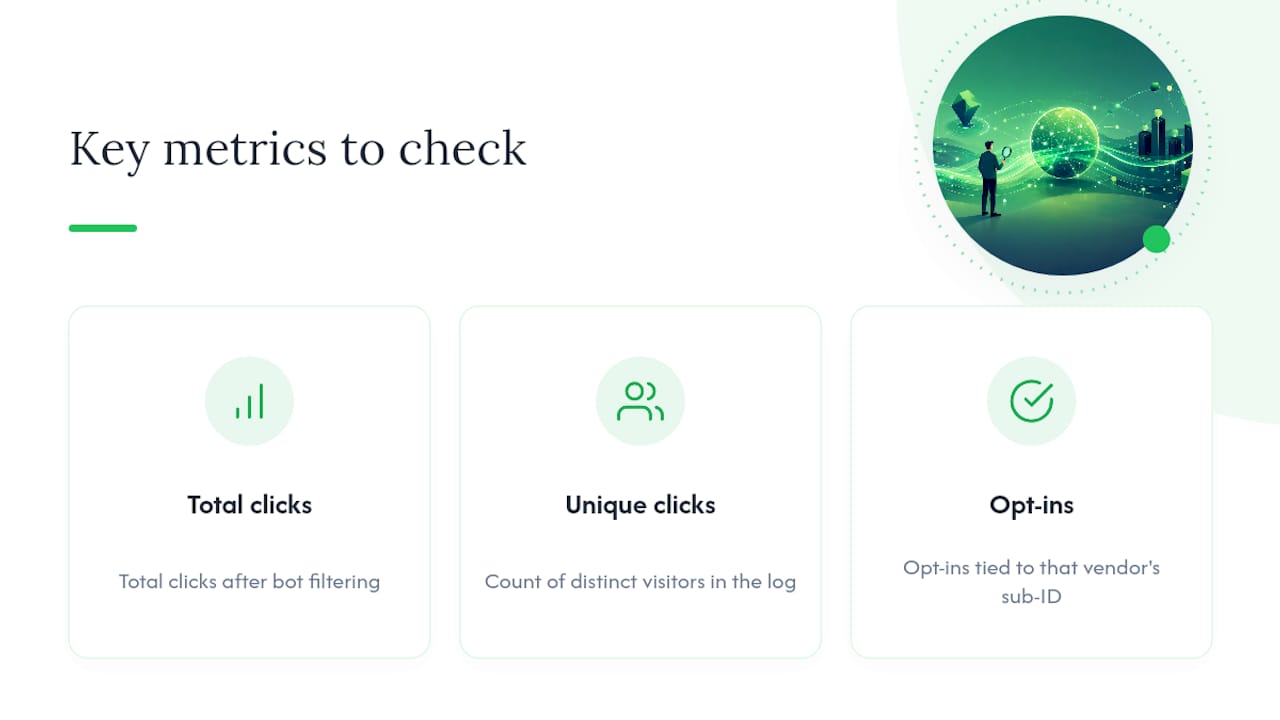
How do I read solo ad logs if I've never used a tracker before? Focus on three numbers first: total clicks after bot filtering, unique clicks, and opt-ins tied to that vendor's sub-ID. Everything else in the log supports those three figures.
What counts as a healthy opt-in rate for solo ad traffic? Consistently lower numbers across multiple vendors usually point to a page or offer mismatch rather than bad traffic.
Should I ever trust a vendor's own click report without checking my tracker? No. Treat vendor dashboards as a claim to verify, not a fact to accept, especially since vendor counts commonly run higher than independently tracked numbers.
What should I do if my tracker shows a large gap from the vendor's numbers? Document the gap with your log, then raise it with the vendor and ask about their replacement policy.
Sources
- Solo Ad Stats: What to Check Before You Buy Traffic
- Fraud Detection with Deep Link Webhooks
- ClickMagick Tutorial 2027 | How To Use ClickMagick For Solo Ads
Recommended
- How to Track Solo Ad Traffic (Catch Low-Quality Clicks)
- Solo Ad Analytics Dashboard Setup: Verify Before You Pay
- Vendor Traffic Source Quality Indicators: 2026 Guide
- Solo Ad Click Tracking Explained for Affiliate Marketers
Want Verified Traffic Without the Guesswork?
PulseTraffic screens every seller, filters bot clicks in real time, and shows you verified buyer traffic labels before you spend a dollar.
